How to Register as a Back Porch Chairperson
Before You Begin
To register as a Back Porch chairperson, you should have:
- At least 90 days of continuous sobriety (suggested minimum)
- A sponsor and be working the steps (suggested)
- Regular attendance at Back Porch meetings
- A valid registration unlock key from the admin team
Registration Process
Step 1: Get Your Unlock Key
Contact a Back Porch admin to receive your registration unlock key. You'll need this to access the registration form.
Admin Contact: backporchmeetings@outlook.com — or available through regular meeting channels.
Step 2: Complete Registration
Fill out the registration form with your information:
- Display name (first name + last initial)
- Email address
- Secure password
- Gender (for meeting eligibility)
- Sobriety date (optional)
What to Expect After Registration
- View the monthly calendar showing all Back Porch meetings
- Click on dates to volunteer for chairperson duties
- Sign up for existing meetings that need chairs
- Express availability for dates without scheduled meetings
- View all your meeting commitments with dates, times, and Zoom links
- Track your service statistics and volunteer history
- Access chairperson guidelines and meeting resources
- Manage your availability and preferences
- Confirmation emails when you volunteer for dates
- Reminder emails 24 hours before meetings you're chairing
- Meeting details including Zoom links and guidelines
- Administrative updates about schedule changes
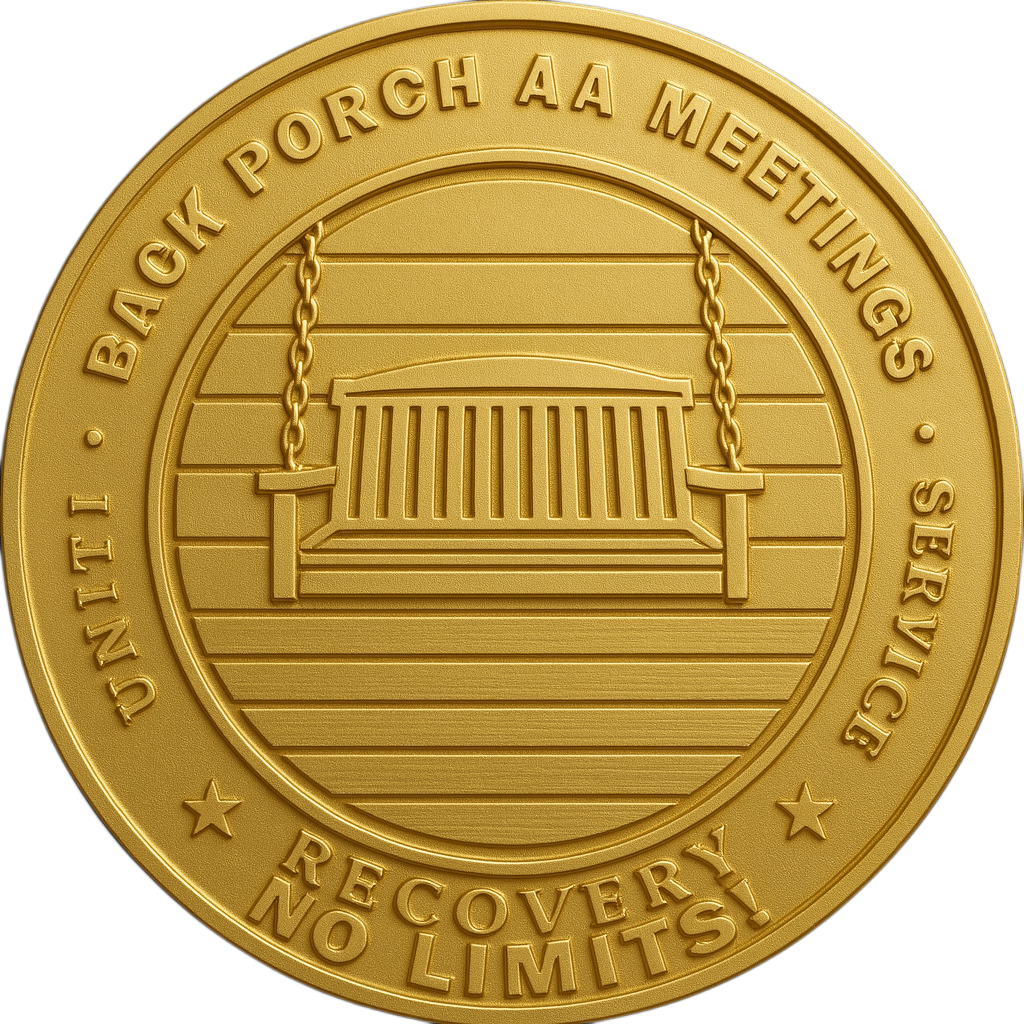 What are ChairPoints™?
ChairPoints are a recognition system that celebrates your service to the Back Porch community. Think of them like AA sobriety chips – each one represents a meeting you've chaired!
How You Earn Points:
- 1 ChairPoint for each meeting you chair – awarded automatically
- Points are given daily at 1:00 AM for meetings completed the previous day
- Historical points are backfilled when you register (credit for past service!)
Where You'll See Your Points:
- Top Navbar: Your total points shown under your BP ID
- Dashboard: Highlighted in a gold card with your statistics
- Profile Page: Displayed in your service stats
- Admin Leaderboard: Top 20 chairs ranked with medals 🥇🥈🥉
🎉 Celebration Animation:
When you log in after earning new ChairPoints, you'll see an exciting celebration with:
- 🎊 Confetti falling from the top of the screen
- ✨ Sparkles pulsing around the page
- Gold coins flipping and floating upward
- 🔔 Chime sound to mark your achievement
- 💬 Congratulations message showing points earned
Tip: The more you serve, the higher you climb on the leaderboard! ChairPoints recognize and celebrate your dedication.
Helpful Resources
Ready to Serve?
Thank you for your willingness to serve the Back Porch community! Chairing meetings is a wonderful way to strengthen your own recovery while helping others.
Register Now Host Instructions